IdG Ideas in the Mixby Igor De Guglielmo · IdG

BASIC V2 · ASSEMBLY 6510

The C64, one idea
at a time.

BASIC V2 and 6510 assembly, graphics and sound. C64 Studio Lab is Igor De Guglielmo’s lab for exploring the Commodore 64: simple first steps and deeper exploration for experienced programmers.

Illustration of an open case with a retro keyboard, cards, a symbolic processor, a pixel butterfly and a speaker.
BASIC V2, 6510 assembly, graphics and sound: four areas to explore together.
Illustrated C64 Studio Lab cover: BASIC V2 and 6510 assembly, from beginner to expert, Italian and English

The laboratory: BASIC V2, 6510 assembly, graphics and sound.

A real machine to explore

1982Year of introduction
64 KBRAM
65108-bit MOS processor
SIDThree sound voices

One path, three levels

Begin with the basics and continue with increasingly detailed experiments. The levels help you choose where to start.

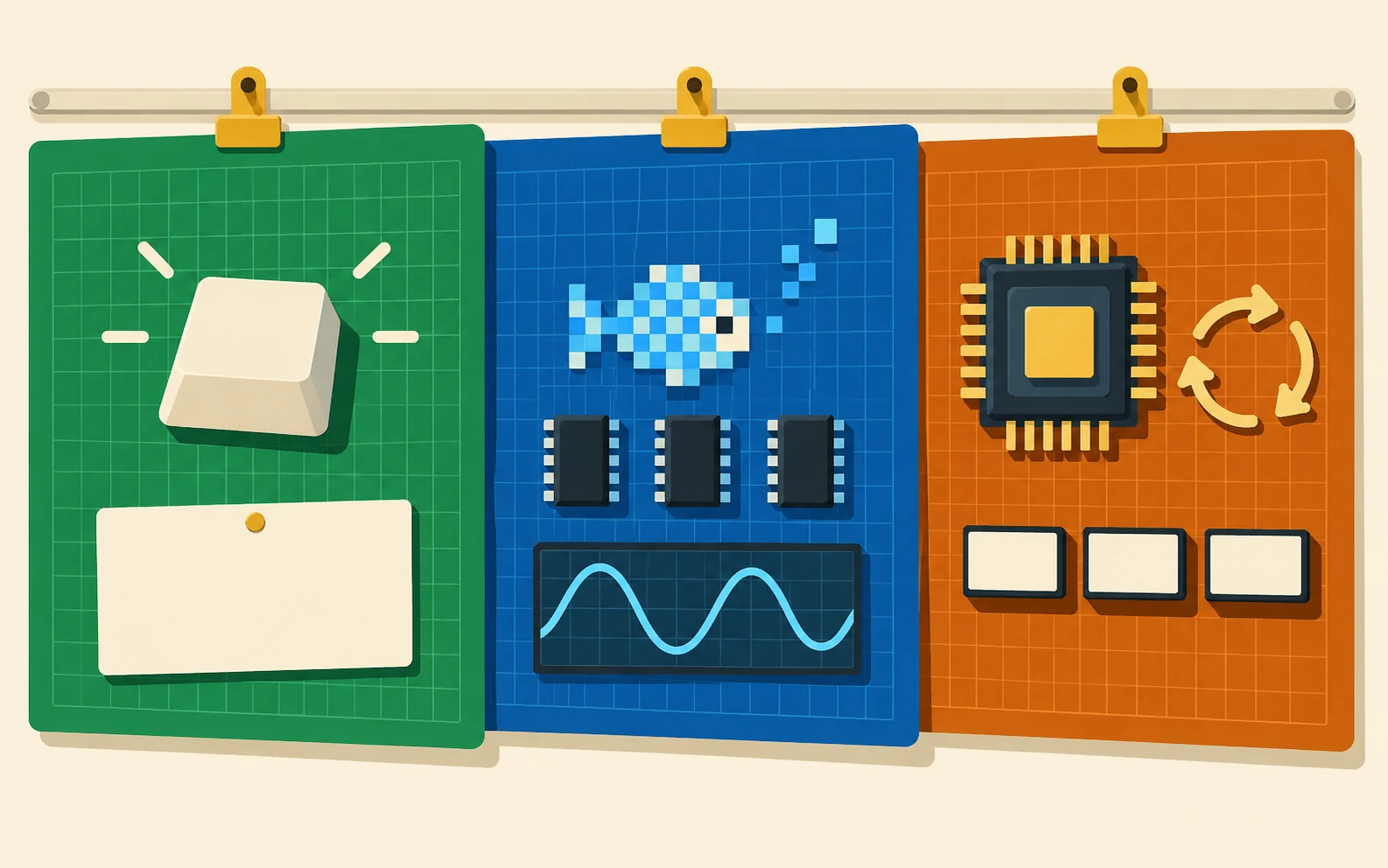
Illustration of three panels in green, blue and dark orange: a key and a card; a pixel fish, memory and a sound curve; a processor, circular arrows and tiles.
Green: Beginners. Blue: Intermediate. Dark orange: Experts / Pro. Choose where to start and explore at your own pace.
Beginners

Clear first steps

Meet the C64 and try short instructions with a result that is easy to observe.

Illustration of a hand writing on a blank card beside a keyboard and a card with a blue star.
One small step at a time: write an instruction, try it and observe the result.
In preparation
Intermediate

Small projects

Connect drawing, memory and programming through sprites, characters and sound.

Illustration of a pixel rocket connected to memory tiles, a speaker and a programming card with abstract marks.
Graphics · Memory · Sound.
In preparation
Pro

Deeper exploration

Compare solutions and examine cycles, registers and how the machine behaves.

Conceptual illustration of a processor linked to three trays of coloured tiles, a hand lifting one tile, a circular arrow and a control.
Registers, cycles and machine state: observing the details helps explain what happens.
In preparation

Guide preview · Beginners · Experiment

Your first message with PRINT

The C64 displays READY. and waits for your instruction. Start with a greeting: one line and a result you can see.
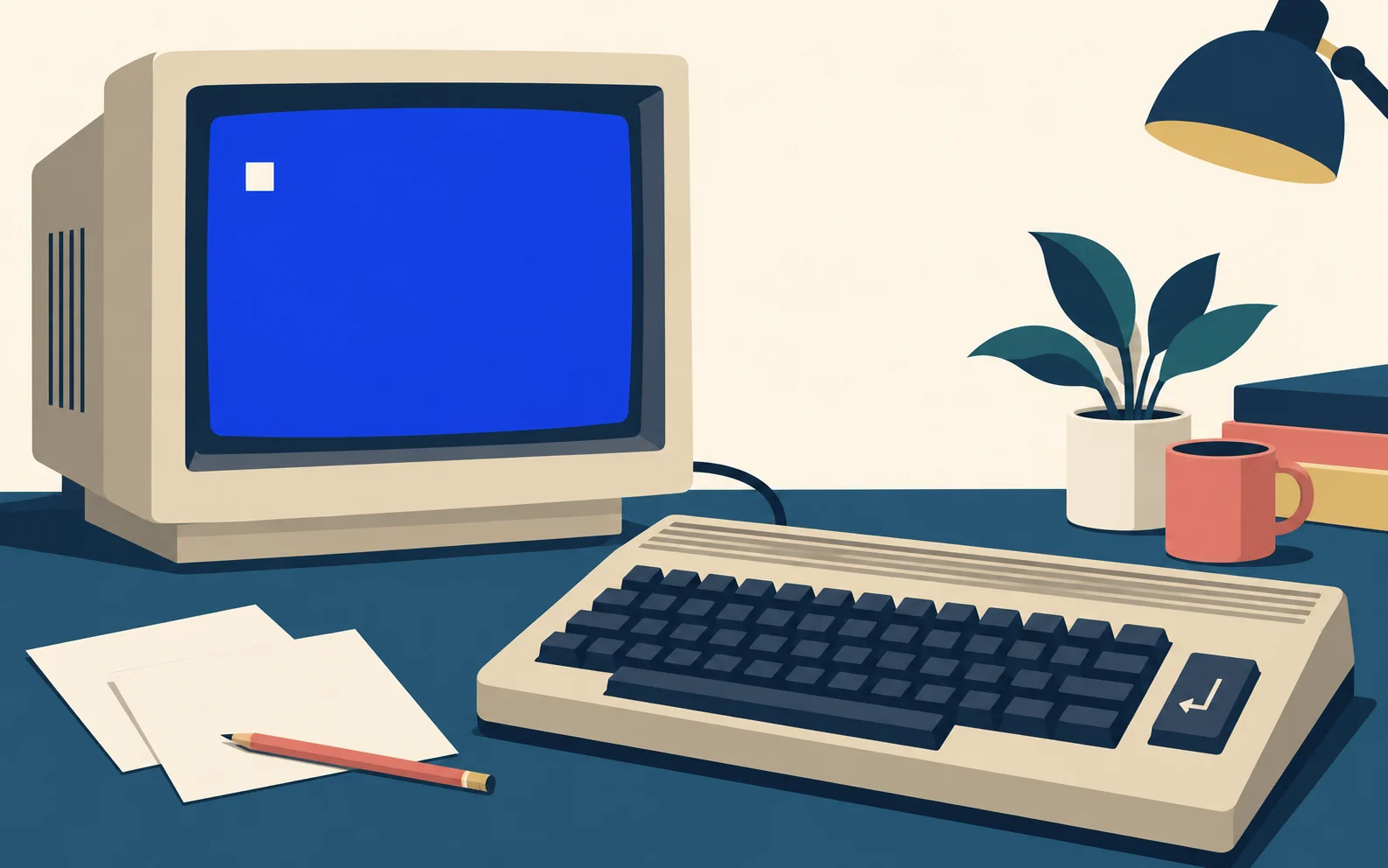
Illustration of a retro computer with a separate CRT monitor, a light cursor on a blue screen and a keyboard with an enter-key symbol.
READY. → PRINT "HELLO" → RETURN → expected output: HELLO.

Type this instruction and press RETURN:

PRINT "HELLO, C64!"

Expected result

HELLO, C64!

PRINT displays the text inside quotation marks. Without a line number, this instruction executes immediately: you don’t need to type RUN for this small experiment.

Conceptual illustration of an enter-arrow key linked to a blank panel framed by quotation marks.
Without a line number: PRINT "HELLO", then RETURN. Expected output: HELLO. RUN is not needed for this experiment.

Now change the greeting and keep the quotation marks. Which message would you like to display?

Illustration of two blank cards framed by quotation marks, one held in a hand, beside a retro computer.
Change the message and keep the quotation marks: PRINT "HELLO" or PRINT "WELCOME".

Guide preview · Intermediate · Guide

One byte, three ways to read it

42, 2A and 00101010 represent the same value. The notation changes, not the number.
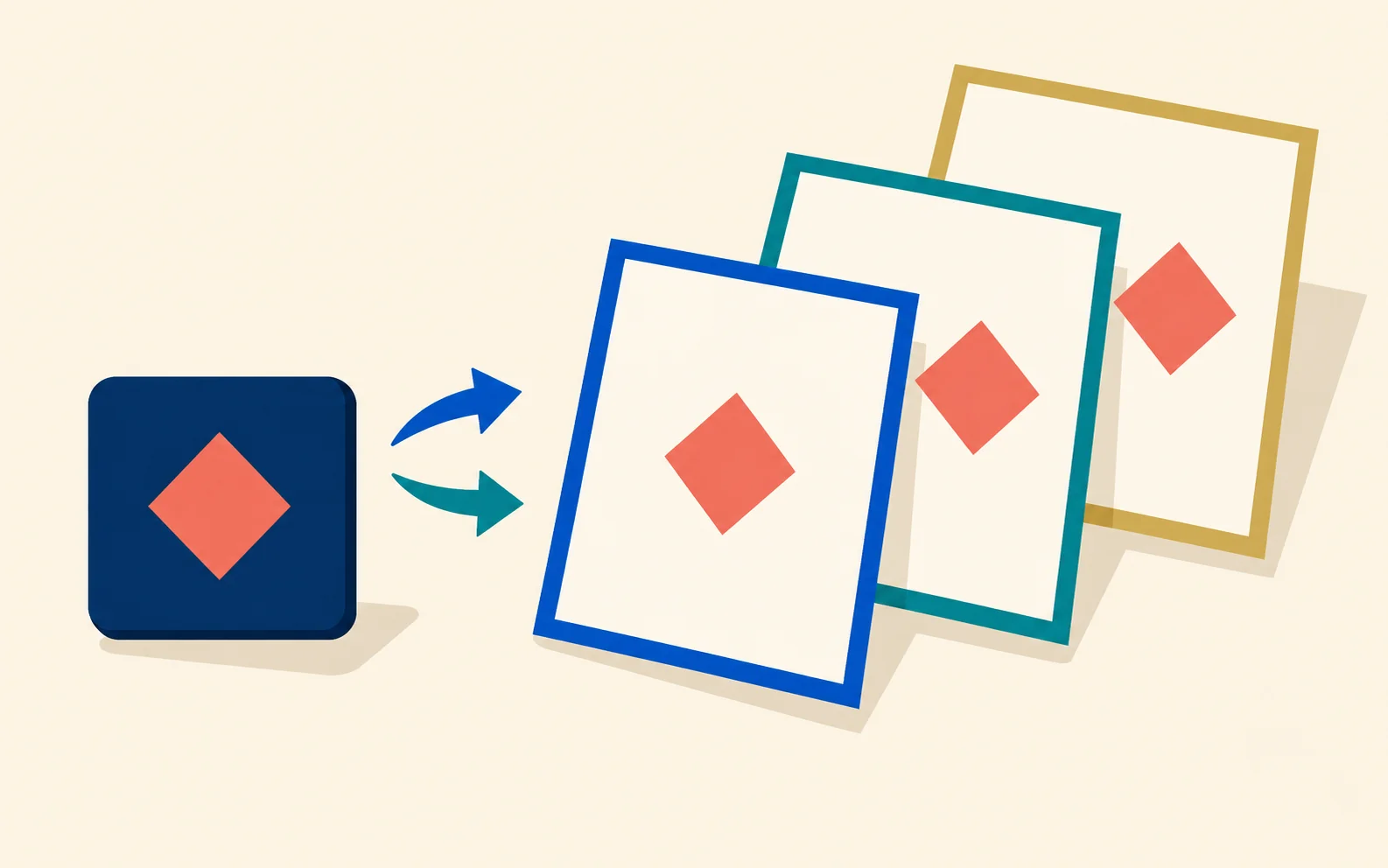
Conceptual illustration of an unchanged symbol on three differently coloured cards, representing different ways to write the same value.
42 in decimal = 2A in hexadecimal = 00101010 in binary.
Decimal42
Hexadecimal2A
Binary00101010

A byte contains eight bits. In binary 00101010, the set positions have values of 32, 8 and 2: their sum is 42. In hexadecimal, 2A means 2 × 16 + 10, also 42.
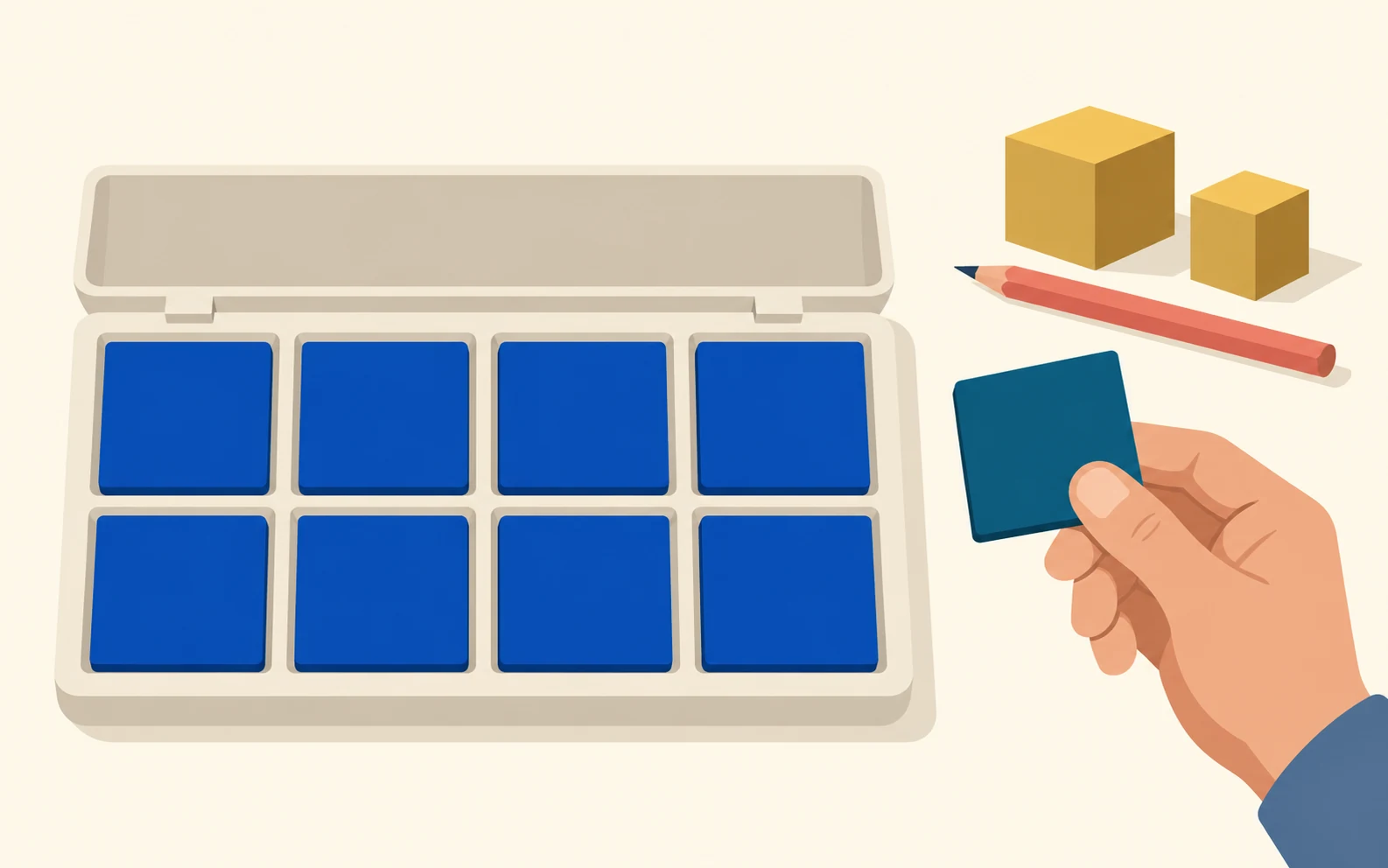
Illustration of eight blue tiles in a tray with two rows of four compartments, beside a hand holding a card, a pencil and two golden blocks.
A byte contains eight bits. For the value 42: 32 + 8 + 2 = 42; in hexadecimal, 2 × 16 + 10 = 42.

In C64 Studio Lab’s memory inspector, choose a byte from your own program and change the display base. View it in decimal, hexadecimal and binary: its representation changes, but the byte stays the same.
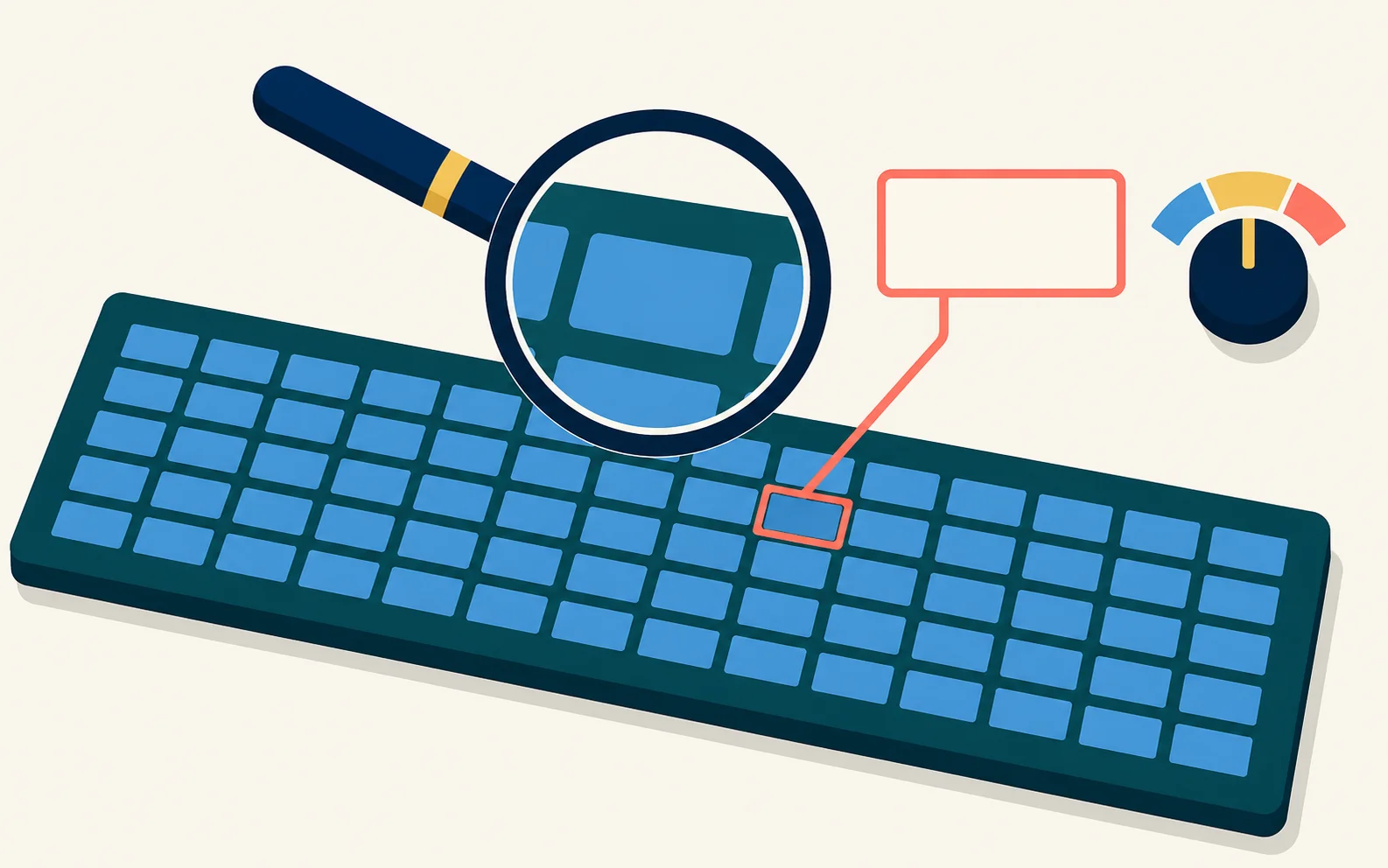
Conceptual illustration of a memory grid with a highlighted cell, a magnifying glass and a three-position selector.
One byte, three views: 42, 2A and 00101010. The representation changes, not the value.

Guide preview · Pro · Analysis

When a measurement helps us understand

To understand an instruction’s timing, a number alone is not enough. We need to know the conditions in which it executed.

Conceptual illustration of a magnifying glass over a circuit, linked to cards, state slots and a control, with a notebook for observations.
Read a measurement alongside the instruction, the initial state and the execution conditions.
  1. 01Same routine
  2. 02Two conditions
  3. 03Measurements and explanation

In C64 Studio Lab’s Cycles panel, we compare the expected cost with the value measured by VICE. A taken branch, an applicable page-crossing penalty or the VIC-II accessing memory can affect the measured timing.

Conceptual illustration of a branching path, two groups of cells separated by a boundary and two modules linked to a memory bank, one also linked to a display.
A taken branch, an instruction-specific page-crossing penalty or VIC-II memory access can affect timing.

Choose a short, original routine. Note its starting point, run it under two controlled conditions and compare the measurements. Then look for an explanation in the machine’s state.
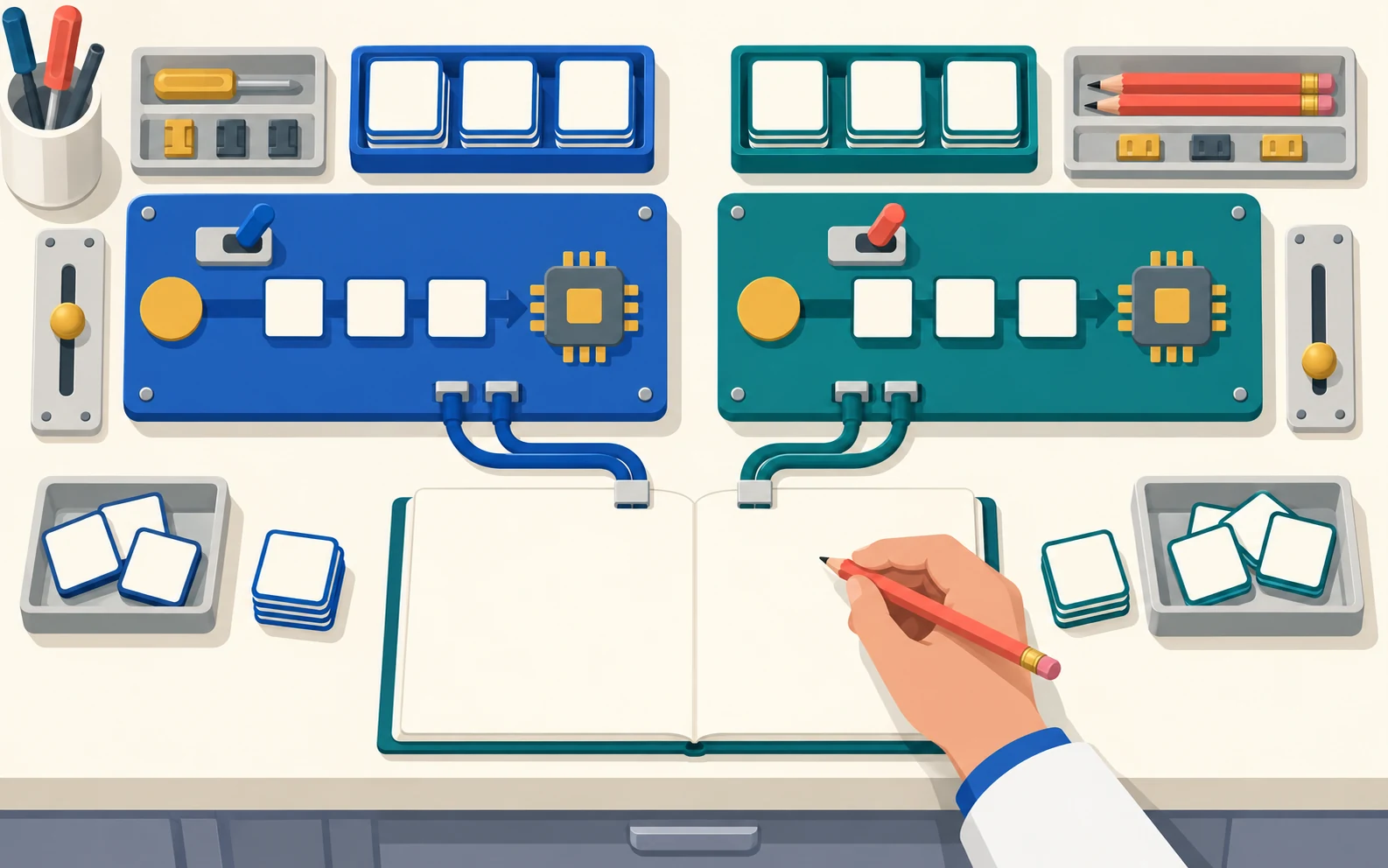
Conceptual illustration of two setups on a technical workbench, with processors, tiles and controls, linked to the blank pages of an observation notebook.
Keep the routine, note the starting point and compare two controlled conditions.

A look inside the lab

A 40-second preview using original images and project titles. The video has no audio and is not a recording of the program running.

One hub, more conversations

The website will bring the content together. Social channels will offer opportunities to follow it, ask questions and share ideas.

Illustration of an open binder with a pixel rocket, linked to a speech bubble, a video panel and content cards beside a keyboard.
The website brings content together; social channels offer opportunities to follow it, ask questions and share ideas.
Facebook

C64 Studio Lab

The C64 Studio Lab group is the community’s meeting place.

Illustrative scene of three young adults talking around a retro computer with a blank speech bubble and a pixel heart.
Questions, ideas and small experiments to share in the C64 Studio Lab group.
Open the Facebook group →
YouTube

Il Multiverso delle Idee

The general channel is home to Il Multiverso delle Idee. The C64 Studio Lab channel is in preparation.

Illustration of two video collections: one with a camera and cards, the other with a retro keyboard and a planning sheet.
Il Multiverso delle Idee is the general channel. C64 Studio Lab is in preparation.
Open Il Multiverso delle Idee →

Support C64 Studio Lab

If this project interests you, you can support its development with a voluntary donation.

Illustration of two hands supporting a tray with a pixel flower under construction, beside a notebook and a separate tile.
If the project interests you, you can support its development with a voluntary donation.

Donations are optional. This button opens Igor De Guglielmo’s PayPal profile.

The C64 project is independent, not affiliated with or endorsed by Commodore. Trademarks belong to their respective owners.